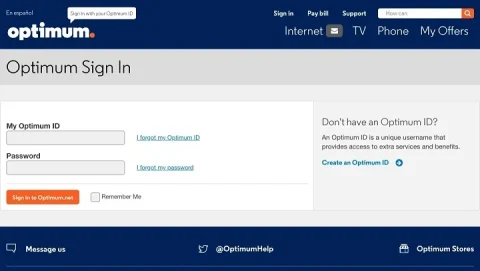
Optimum email is a popular email service offered to subscribers of Optimum by Altice, providing a reliable and secure way to manage personal and professional communication. If you're an Optimum
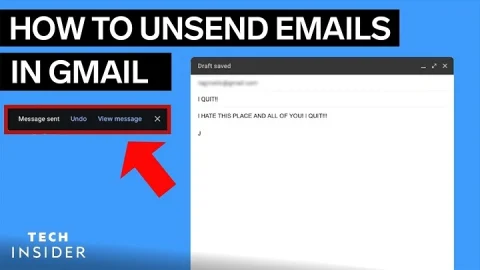
We've all had that sinking feeling after hitting "Send" on an email too soon. Whether it's an unfinished thought, a wrong recipient, or a forgotten attachment, Gmail offers a lifesaver
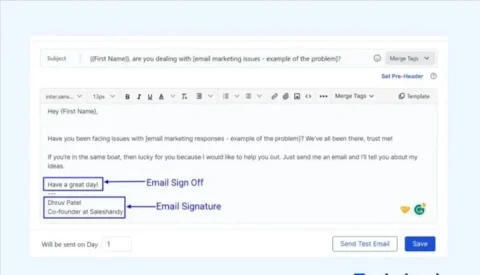
Professional email etiquette tells us to end messages with "Regards," "Best," or "Sincerely." But in today’s world of meme culture and sarcastic workplace humor, unhinged email sign-offs are gaining popularity.
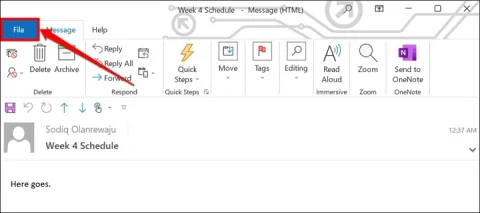
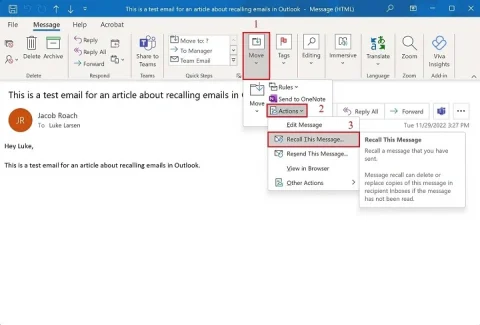
Sending the wrong email can be frustrating or even embarrassing. Fortunately, Microsoft Outlook includes a built-in feature that can help you correct these errors before they cause bigger issues. If
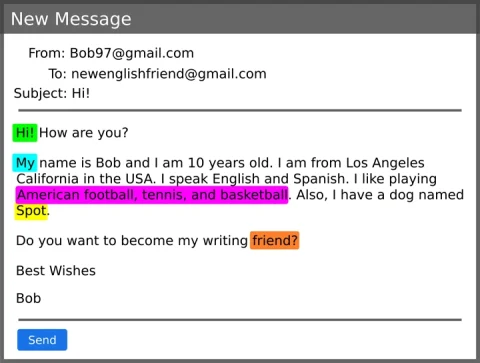
Knowing how to introduce yourself in an email can make or break your first impression. Whether you're reaching out to a potential employer, a client, or a colleague, the way
We’ve all sent an email too early—maybe with a typo, a forgotten attachment, or to the wrong recipient. If you use Microsoft Outlook, there’s still hope. Learning how to recall
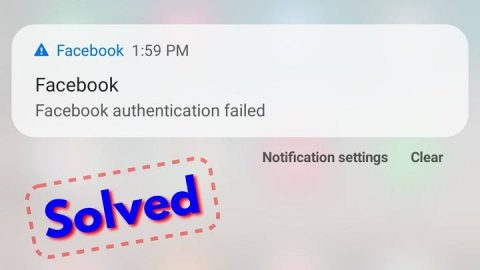
Seeing an "Authentication Failed" message can be frustrating, especially when you're trying to log into an important account or connect to a service. Understanding what this error means and how
When setting up an email account, understanding ports is crucial for ensuring proper synchronization and security. Port 993 is an important part of modern email configurations, especially for accessing emails
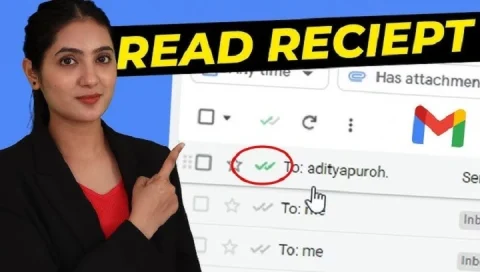
Waiting for a reply after sending an important email can be stressful. You might wonder if the person even opened it. Thankfully, there are several ways to check if your
In today’s digital world, managing your inbox is more important than ever. Terms like "junk" and "spam" often get used interchangeably, but there are subtle differences that can impact how