
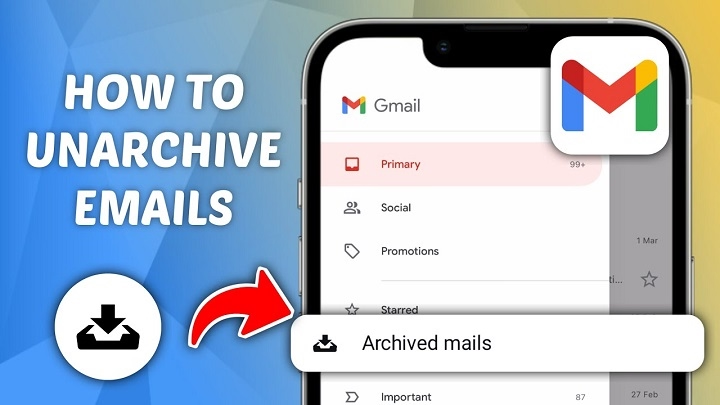
Ever archive an email by accident and instantly panic?
Yeah honestly…
That happens way more than people admit.
One wrong swipe.
One random click.
Suddenly your email disappears.
And then your brain goes:
“WAIT. WHERE DID IT GO?”
You search inbox.
Nothing.
Trash?
Nothing there either.
Now you’re wondering if the email vanished forever.
Good news though:
archived emails usually aren’t deleted at all.
They’re just hidden somewhere else.
Email archiving confuses tons of people because different apps explain it terribly. Honestly ?
So let’s break down exactly:
- what archiving actually means
- where archived emails go
- how to unarchive them
- and why your email probably isn’t gone forever.
What Does Archiving an Email Mean?
Archiving basically means:
removing email from your inbox without deleting it.
That’s it honestly.
The email still exists.
It’s just moved out of the main inbox view.
Think of archiving like:
putting papers into a cabinet instead of throwing them away.
Difference Between Archive and Delete
People confuse this constantly.
Huge difference honestly.
Delete
Moves email toward trash or permanent removal.
Archive
Simply hides email from inbox while keeping it saved.
A very important difference.
Why Email Apps Use Archives
Because inboxes get messy honestly.
Archiving helps:
- Reduce clutter
- Keep important records
- Organize conversations
- Clean inbox without deleting stuff
Pretty useful once you understand it.
Where Do Archived Emails Go?
Depends on the email provider honestly.
But usually:
archived emails move into:
- All Mail
- Archive folder
- General mail storage
Still searchable normally.
Can Archived Emails Still Receive Replies?
Absolutely.
If someone replies to archived email:
it often returns to the inbox automatically.
Pretty smart honestly.
How to Unarchive an Email in Gmail
Gmail honestly causes the most archive confusion.
Because Gmail technically doesn’t even use a normal Archive folder.
Where Archived Emails Go in Gmail
Usually:
All Mail.
That’s where archived emails live.
How to Find Archived Emails in Gmail
Usually:
- Open Gmail
- Click More
- Open All Mail
- Find archived message
Simple honestly.
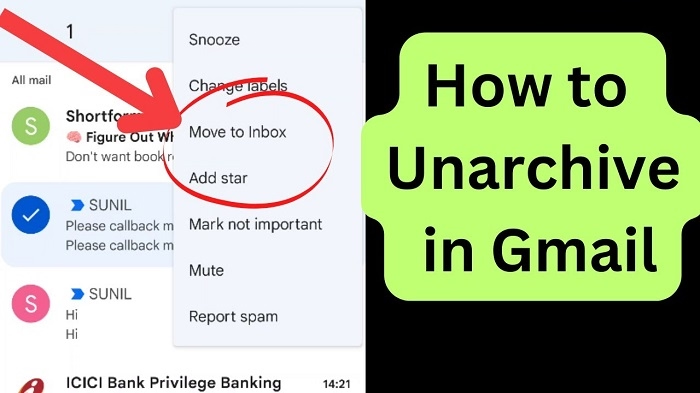
How to Unarchive Gmail Emails
Usually:
- Open archived email
- Click Move to Inbox
Done.
Email returns to the inbox normally.
Why Gmail Archiving Confuses People
Because the archive button is super easy to hit accidentally honestly.
Especially on phones.
How Gmail Mobile Archives Accidentally
Swipe gestures honestly.
People archive emails constantly by mistake.
How to Unarchive Emails on Gmail Mobile
Usually:
- Open All Mail
- Find email
- Tap three dots
- Select Move to Inbox
Very easy honestly.
How to Unarchive Emails in Outlook
Microsoft Outlook works slightly differently.
Outlook Archive Folders
Outlook often uses:
Archive folder directly.
Makes things easier honestly.
How to Unarchive Outlook Emails
Usually:
- Open Archive folder
- Select email
- Move back to Inbox
Simple honestly.
Why Outlook Uses Archives Heavily
Especially in workplaces honestly.
Businesses archive emails constantly for:
- Storage
- Organization
- Recordkeeping
How to Unarchive Emails in Yahoo Mail
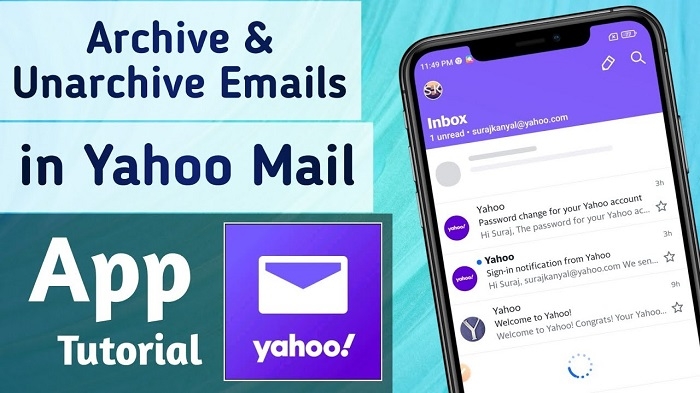
Yahoo Mail also supports archives.
Usually:
- Open Archive folder
- Select email
- Move to Inbox
Pretty straightforward honestly.
How Apple Mail Handles Archives
Apple Mail heavily uses archiving too.
Especially on iPhones.
Why iPhone Users Accidentally Archive Emails Constantly
Swipe gestures again honestly.
Very common.
How to Unarchive Emails on iPhone
Usually:
- Open Mail app
- Go to Archive mailbox
- Select message
- Move to Inbox
Easy honestly.
Can Archived Emails Be Searched?
Absolutely.
Archive doesn’t hide emails from search results usually.
Very important honestly.
Why Search Often Finds Archived Emails Faster
Honestly easier than digging through folders sometimes.
Especially huge inboxes.
Can Archived Emails Be Deleted Later?
Definitely.
Archiving doesn’t protect emails forever honestly.
You can still:
- Delete
- Move
- Forward
- Reply
normally.
Do Archived Emails Take Up Storage?
Yep honestly.
Because they’re still saved.
Archiving is not deletion.
Why Businesses Archive Emails
Huge reasons honestly.
Legal Compliance
Many industries must keep records.
Storage Organization
Inboxes stay cleaner.
Historical Reference
Old conversations remain searchable.
Security and Documentation
Important communication preserved.
Can Archived Emails Return to Inbox Automatically?
Sometimes yes honestly.
Especially if:
A new reply appears in conversation.
Very common in Gmail.
Why Some People Prefer Archiving Over Deleting
Because deleting feels risky honestly.
Archiving keeps messages available:
without inbox clutter.
Best of both worlds.
Can You Archive Emails Accidentally?
Absolutely constantly, honestly.
Especially on:
- Phones
- Touchscreens
- Swipe controls
A very common problem.
How to Prevent Accidental Archiving
Usually:
- Disable swipe archive
- Adjust gesture settings
- Slow down while swiping honestly
Helps massively.
What Happens If You Archive Spam Emails?
Usually nothing dangerous honestly.
But spam still remains saved unless deleted.
Should You Delete or Archive Old Emails?
Depends honestly.
Archive If:
- Might need later
- Important records
- Work conversations
- Receipts
Delete If:
- Spam
- Junk
- Useless clutter
Simple honestly.
Difference Between Archive and Mute
People confuse these too.
Archive
Removed from inbox.
Mute
Stop notifications for conversation.
Different functions honestly.
Can You Bulk Unarchive Emails?
Usually yes.
Most providers support:
selecting multiple emails at once.
Very useful honestly.
How to Bulk Unarchive in Gmail
Usually:
- Open All Mail
- Select multiple emails
- Click Move to Inbox
Huge time saver.
Can Archived Emails Be Recovered Years Later?
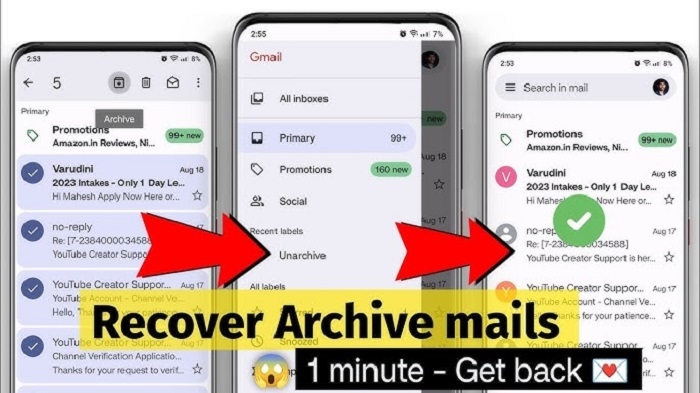
Usually yes honestly.
As long as:
- Account exists
- Email not deleted
- Storage intact
Why Archived Emails Matter Professionally
Work emails often contain:
- Contracts
- Agreements
- Deadlines
- Legal records
Archiving helps preserve them.
Common Archive Mistakes
People do these constantly.
Thinking Archive Means Delete
Biggest misunderstanding honestly.
Forgetting Where Archived Emails Go
Especially Gmail users.
Archiving Important Active Conversations
Makes replies harder to track.
Never Cleaning Archives
Huge clutter builds eventually honestly.
Best Practices for Email Archiving
Want cleaner organization?
Do this stuff honestly.
Archive Finished Conversations
Great habit.
Read More: Email Templates In Outlook
Delete Actual Junk
Don’t archive spam honestly.
Use Search Features
Way easier sometimes.
Organize Important Emails
Folders plus archives work great together.
Check Swipe Settings
Prevents accidental archives.
Why Inbox Zero Fans Love Archiving
Inbox Zero means:
keeping the inbox nearly empty.
Archiving helps massively honestly.
What Is Inbox Zero?
Productivity method focused on:
clean manageable inboxes.
Popular in work culture honestly.
Can Archived Emails Still Be Forwarded?
Absolutely.
They behave like normal emails honestly.
Can Someone Tell If You Archived Their Email?
Nope.
Archiving is private.
Nobody gets notified honestly.
Can Archived Emails Be Printed?
Definitely.
The archive changes location only.
FAQs About Unarchiving Emails
Does the archive delete emails?
Nope honestly.
Where do archived emails go in Gmail?
Usually All Mail.
Can archived emails return to the inbox?
Yes, especially with replies.
How do I unarchive Gmail emails?
Move them back to the inbox.
Are archived emails searchable?
Absolutely.
Do archived emails use storage?
Yep.
Can I accidentally archive emails?
Very easily, honestly.
Is archive safer than delete?
Depends what you’re trying to do honestly.
Honestly?
Email archiving sounds confusing at first mostly because every email app handles it slightly differently.
But once you realize:
archive basically means:
“hide without deleting”…
everything starts making way more sense.
And honestly?
Archiving becomes super useful once inboxes start getting crowded.
Because deleting everything feels risky…
but keeping every message sitting in the inbox forever?
Complete chaos.
That’s why archiving honestly became one of the most useful email organization tools around.
